Languages, Visual Settings and PC Requirements
Check the Windows requirements and four listed languages, find the supported animation and flashing controls, and collect useful performance evidence.
FAQ
Is a Japanese interface the same as complete Japanese voice acting?
Will turning animations off fix low FPS?
Does my platform and language match the current listing?
The current Steam listing supports Windows, with English, Simplified Chinese, Traditional Chinese and Japanese interface/subtitle options. It does not mark a full-audio language. macOS, Linux, console versions and Steam Deck performance are not confirmed here. Do not confuse availability through compatibility software with official native support.
| Minimum item | Official listed requirement |
|---|---|
| Operating system | Windows 10, 64-bit |
| Processor | Intel Core i5-7500 |
| Memory | 2 GB RAM |
| Graphics | NVIDIA GeForce GTX 1050 |
| DirectX | Version 11 |
| Storage | 2 GB available space |
| Network | Broadband internet connection |
The recommended section does not publish a comparable full hardware target. Minimum requirements do not guarantee a particular frame rate, display resolution or loading time. Check free storage separately from installed RAM; both happen to use GB in this listing but describe different resources.
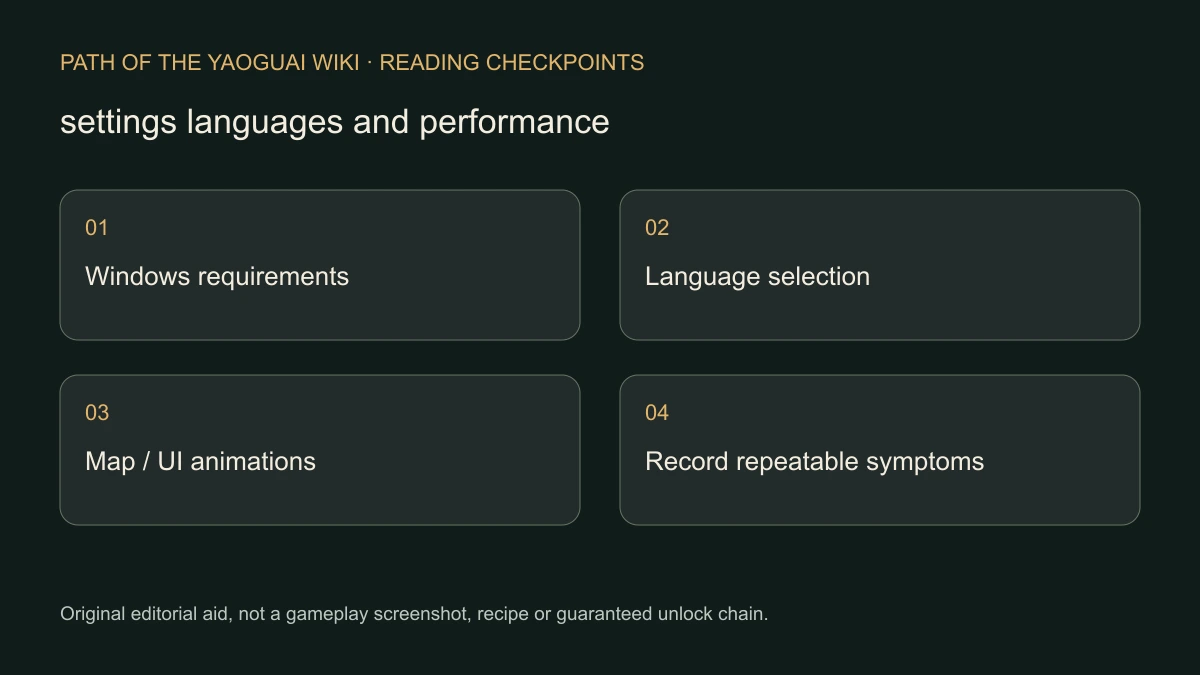
Original editorial checklist, not a screenshot of the settings menu.
Why is some English or Japanese text unfinished?
The October 19 developer announcement explicitly says those localizations are still being refined and may contain untranslated text or overflowing UI. A partially translated event is therefore not enough to identify a wrong installation. Keep the exact original term in your report, especially for cards and event choices; unofficial translated names can obscure which option failed.
Select your preferred language using the language choice offered by your installed game/Steam configuration. We have not verified an exact menu path for every build, so this guide does not invent a sequence of buttons. Our Chinese and Japanese articles translate the same scoped evidence; they are not evidence that the in-game text has already been corrected.
Which optional visual effects can I change?
The public Demo introduced toggles for world-map movement animation and UI animation. The October 13 update added a way to disable screen flashing. Look for those named settings in your current build and change one at a time so you can identify which visual effect bothers you.
- Record your current setting before changing it.
- Disable the relevant optional animation or flashing effect.
- Return to the same map interaction or UI action and compare readability or comfort.
- Restore the setting if it does not address your symptom.
These are supported visual options, not an assertion that they fix every crash or improve FPS by a measured amount. This site has not tested the game’s effects for medical accessibility.
What information makes a bug report useful?
Record the Demo update date, operating system, CPU/GPU, language, relevant visual setting, exact event or map point, steps and observed result. Include a screenshot of the affected text or interface where possible. If the symptom is a blocked event rather than a display issue, use the separate save-preserving recovery guide.
Avoid undocumented configuration edits, deleting saves or downloading a third-party fix just to match an old screenshot. Compare the current patch context first. A developer report should describe what actually failed, not assume the minimum-spec table diagnoses the cause.
Sources checked November 7: Steam languages and requirements; public Demo and October 13/19 developer notes.
Related Articles
camp
Marriage and Dual Cultivation: Check the NPC Requirement
Distinguish ordinary NPC relationship options from special characters with realm requirements, using the developer’s Demo clarification without an invented bypass.
camp
Vow Power Stuck? Check the Camp Progression Branch
Find the official Camp and event sources of Vow Power, follow the reported Guiyuan Chart lead and separate a community route from a guaranteed boss solution.
combat
Preview Enemy Count and Level Before Entering a Battle
Use the developer’s map-preview advice before committing to combat, and keep repeated failed escape reports separate from a guaranteed RNG or victory formula.
Was this helpful?
Thanks for the feedback!