Stuck Monk Events and Wheel Spins: A Patch-First Recovery Check
Match the Monk-event and second-spin fixes to your Demo build, retain the limits of the older anti-stuck workaround and prepare a useful save-preserving report.
FAQ
Which stuck cases are explicitly in the November 2 patch?
What did the older developer workaround say?
Was that workaround confirmed for everyone?
Should I delete the save or start a new life?
Does a failed battle escape belong to this diagnosis?
Which patch should you check before trying a workaround?
Check whether your installed Demo includes the November 2 notice. It specifically fixes the Monk event becoming stuck and the Trigram Wheel locking when spun twice in the same event. Start from those dated cases rather than applying a pre-fix forum suggestion to every current failure.
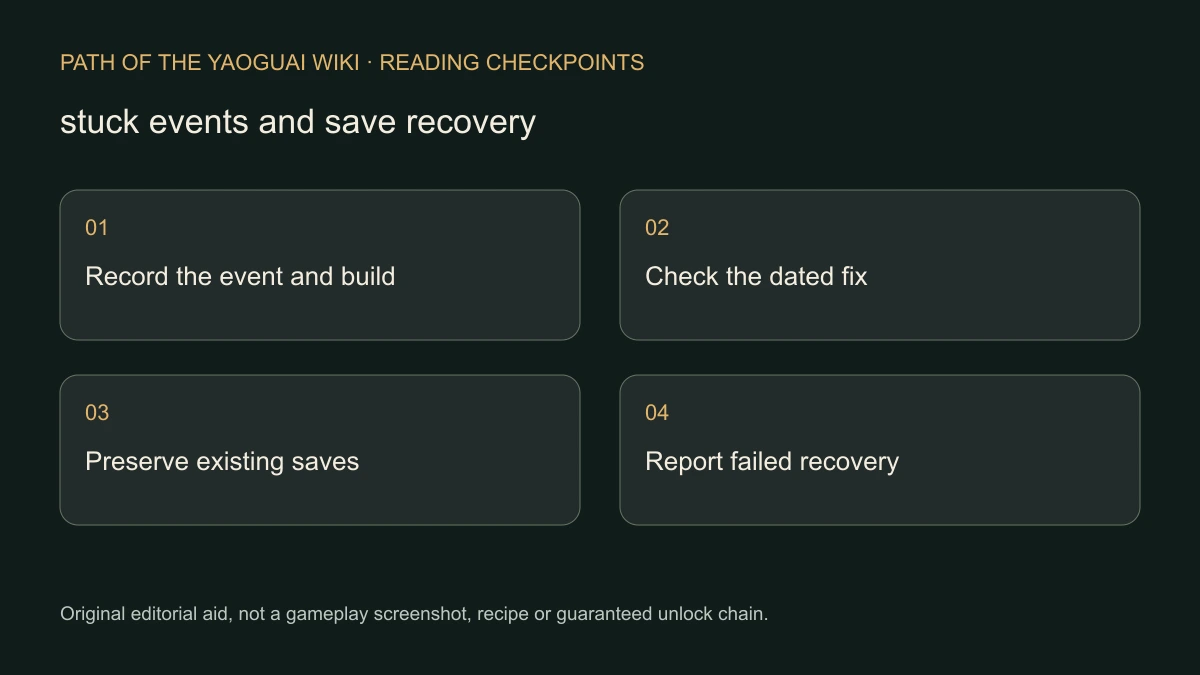
The date is the official notice date, not a game version number we invented. The patch confirms a repair was published; it does not independently demonstrate how every old save or every unrelated scene behaves afterward.
What did the older Monk-event report describe?
In the complete original discussion, players reported a loop in the scene where the monk covers the protagonist and a young person’s escape. The stuck dialogue was described as “大師你怎樣了.” A November 1 developer reply suggested clicking 防卡死, then re-entering the game while a fix was being prepared.
A later player in the same thread said the workaround still did not prevent their lock. That counterexample matters: the developer offered a bounded recovery suggestion, not a promise that every scene or save could be repaired that way. The November 2 patch is newer evidence and must remain ahead of the older advice.
What is a useful recovery and reporting order?
- Record the installed Demo date and exact event or dialogue.
- Check the November 2 fixes before reproducing an older complaint.
- Preserve your existing save state; no universal requirement to delete it is documented.
- If the older named recovery option is present, distinguish trying that suggestion from confirming it repaired the current case.
- Re-enter as advised and observe whether the scene can proceed; do not mark it fixed merely because the game relaunched.
- If it still loops, report the choice sequence, build and result, including whether the named workaround was attempted.
No verified filesystem path, cloud-save deletion procedure or forced-reset command is provided here. We also do not recommend an unlimited reload loop. The useful outcome is progress past the scene or a reproducible report that preserves what actually failed.
How do you avoid mixing different problems?
| Symptom | More specific next step |
|---|---|
| Same-event second wheel spin freezes | Check the November 2 fix and wheel controls. |
| A relationship displays a realm requirement | Inspect the NPC-specific condition. |
| A Camp remains inactive after a stage reward | Check the dated Stronghold issue in Camp progression. |
| An escape attempt fails but combat continues | That is not, by itself, an event freeze; read enemy preview. |
Use the official Steam discussion with your evidence when a current problem persists. This page is checked November 7, through the November 2 Demo notice. It is an editorial recovery checklist, not a personally tested repair service, proof that every bug is gone or permission to overwrite an irreplaceable run.
Related Articles
camp
Marriage and Dual Cultivation: Check the NPC Requirement
Distinguish ordinary NPC relationship options from special characters with realm requirements, using the developer’s Demo clarification without an invented bypass.
camp
Vow Power Stuck? Check the Camp Progression Branch
Find the official Camp and event sources of Vow Power, follow the reported Guiyuan Chart lead and separate a community route from a guaranteed boss solution.
combat
Preview Enemy Count and Level Before Entering a Battle
Use the developer’s map-preview advice before committing to combat, and keep repeated failed escape reports separate from a guaranteed RNG or victory formula.
Was this helpful?
Thanks for the feedback!