Reveal Map Names and Check a Directional Teleport Unlock
Hold Ctrl for world-map names, distinguish a named city from another tile and check the demo’s directional teleport rule without inventing coordinates or fees.
FAQ
How can I display location names?
Must I find one specific city to unlock a direction?
Does revealing names make dangerous battles safe?
How do you display a location’s name?
Hold Ctrl while viewing the world map. The October 17 demo announcement adds that name display. Use the visible name to identify the city or feature you mean, rather than guessing from a similar-looking icon. The note does not establish an extra map-opening shortcut, console control or controller equivalent.
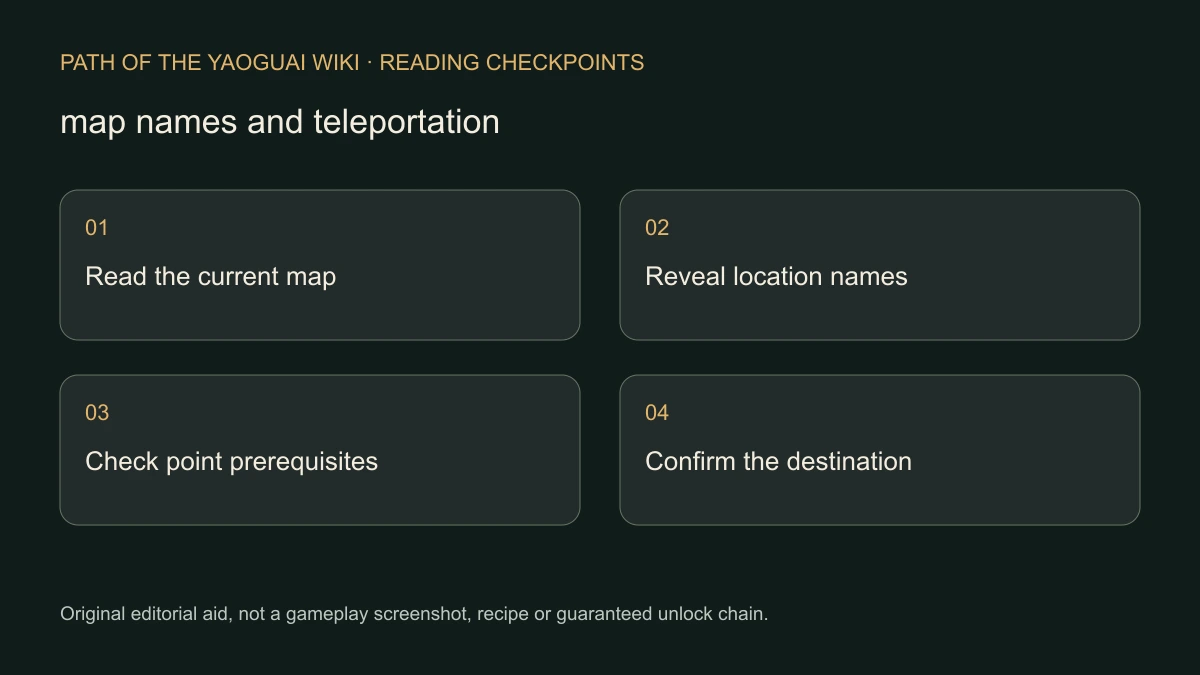
These are separate reading checks. Revealing text does not by itself move the character, unlock a route or make an encounter safe. The guide does not supply universal coordinates or claim another player’s route always fits your current map.
Which city can count for a directional unlock?
The October 14 demo update changes teleport unlocking so that any city in a given direction can unlock it. This matters when you are looking for one supposedly mandatory named city. Check whether the destination is actually a city in the relevant direction and read the current route state instead of following an invented fixed-city requirement.
The announcement does not show a complete teleport-button sequence, entry cost or every prerequisite. Use the interaction and message your installed demo presents. It is a scope clarification for the qualifying city, not a promise that merely revealing any map label immediately enables all travel.
What order of checks avoids mixing up the stages?
Identify the place first, then verify the intended travel operation. Ordinary movement, knowing a location’s name and having a directional teleport available are different states. An unlocked route should be confirmed by the actual game state or displayed interaction, not by assuming that one new map label has completed every prerequisite.
- Open the world map using your current interface and hold Ctrl for names.
- Read the exact target name and distinguish a city from another feature or vacant tile.
- Identify the direction and the route you are trying to unlock.
- Apply the official any-city-in-that-direction rule when checking the qualifying city.
- Inspect the actual unlock or travel message before assuming the route is usable.
If you are looking for a specific camp-related location, use the first-stronghold guide for that separate objective. Do not turn a general teleport rule into an invented full route to a boss or special event.
How do you handle danger or a route that still appears locked?
Use enemy previews before choosing a fight; a named location is not a difficulty guarantee. Resource gathering also has its own risk checks. Neither the Ctrl display nor the teleport notice removes those requirements, and this guide does not invent a safe movement-resource formula.
For an unexpected lock, record the exact city name, direction, visible route message and demo build. Include whether the failure is identifying the place, qualifying a city or using a route that already appears unlocked. That description is more useful than reporting only that the map does not work.
If the map or event cannot be exited, consult stuck-event recovery rather than repeatedly issuing travel actions. The evidence here is the dated demo interface and unlock announcements, checked November 7, 2026. A personally tested complete route, fixed world seed and universal teleport price remain outside its scope.
Related Articles
camp
Marriage and Dual Cultivation: Check the NPC Requirement
Distinguish ordinary NPC relationship options from special characters with realm requirements, using the developer’s Demo clarification without an invented bypass.
camp
Vow Power Stuck? Check the Camp Progression Branch
Find the official Camp and event sources of Vow Power, follow the reported Guiyuan Chart lead and separate a community route from a guaranteed boss solution.
combat
Preview Enemy Count and Level Before Entering a Battle
Use the developer’s map-preview advice before committing to combat, and keep repeated failed escape reports separate from a guaranteed RNG or victory formula.
Was this helpful?
Thanks for the feedback!