Preview Enemy Count and Level Before Entering a Battle
Use the developer’s map-preview advice before committing to combat, and keep repeated failed escape reports separate from a guaranteed RNG or victory formula.
FAQ
Which actual preview action is documented?
Where exactly is the toggle in English?
Does a lower enemy level guarantee victory?
Do repeated reload failures prove the escape chance is fake?
Can Quick Battle replace every encounter?
What should you do before triggering the fight?
Enable 神识探索, then right-click the battle on the world map. In the November 2 developer reply, that preview shows the monsters’ number and level. The practical benefit is deciding before entering, rather than relying on an escape attempt after an unfavorable encounter has already begun.
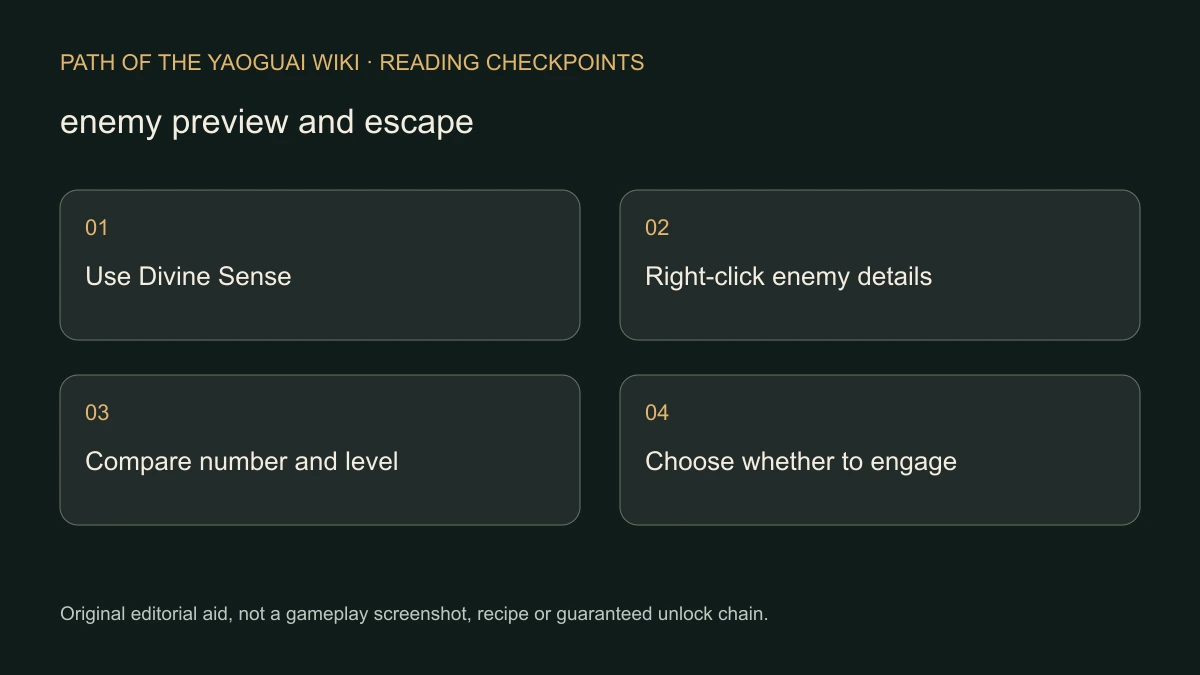
We retain the Chinese feature name because the reply does not verify its English button label or exact screen position. If the interface is partially translated, match the actual feature and resulting information; do not look for a coordinate invented from an unrelated version.
How can you turn the preview into a decision?
Read the monster count and levels separately. One opponent and several opponents with the same displayed level are not the same preview. The source does not give a formula translating those numbers into your chance of winning, so compare the encounter with your actual available cards and current condition before choosing your next move.
- Remain on the world map while deciding.
- Enable the documented exploration/awareness feature.
- Right-click the intended battle, not a neighboring event tile.
- Read how many monsters are shown and their levels.
- Decide whether to enter now or pursue another available route; the preview does not guarantee that every map has a bypass.
The Demo launch announcement introduces Quick Battle for low-level enemies. Treat “low-level” as the published scope. It is not evidence that every dangerous battle or boss can be skipped with that feature.
What does the failed-escape report actually establish?
The original player reported a displayed 36% escape chance and many unsuccessful save/load attempts. That documents their experience and explains the demand for safer encounter decisions. It does not reveal the escape algorithm, whether a reload produces an independent roll or whether a particular event imposes an exception.
| Evidence available | Conclusion to avoid |
|---|---|
| Developer confirms the map preview action | “Every weaker-looking enemy is a guaranteed win.” |
| Player repeatedly fails a displayed chance | “Each reload must be an independent attempt.” |
| Quick Battle exists for low-level enemies | “All fights can be skipped.” |
| One route leads to a Camp boss | “This page contains verified boss HP and a winning build.” |
For the first Stronghold lead, finding the destination and clearing the encounter remain separate achievements. Fusion and preparation explains another part of preparing your actual deck; it does not transform level information into a guaranteed combat result.
What if the preview or battle fails?
Record your Demo date, the map state, whether 神识探索 was enabled and what right-click displayed. If an event is frozen rather than merely unwinnable, use stuck-event recovery. Avoid destroying the run or repeatedly reloading solely to test an assumed probability model.
Checked November 7, 2026. This page organizes developer-described map controls and an attributed player report, not a personal escape-rate experiment or a complete combat simulator.
Related Articles
camp
Marriage and Dual Cultivation: Check the NPC Requirement
Distinguish ordinary NPC relationship options from special characters with realm requirements, using the developer’s Demo clarification without an invented bypass.
camp
Vow Power Stuck? Check the Camp Progression Branch
Find the official Camp and event sources of Vow Power, follow the reported Guiyuan Chart lead and separate a community route from a guaranteed boss solution.
combat
Fusion and Blueprints: Find the Recipe Before Rebuilding a Deck
Use documented Fusion search, blueprint filtering and battle-preparation controls without inventing recipes, material drops or a universal best deck.
Was this helpful?
Thanks for the feedback!