Start Here
Download, first-run decisions, settings and recovery routes for the Path of the Yaoguai Demo.
Choose the problem you have now
New to the Demo? Begin with the first-run route, then use the download and release page to check which application you are installing. Settings and recovery guides answer separate problems: a stuck event is not the same as a combat loss. Follow the exact symptom and preserve a save before making an irreversible change.
Start here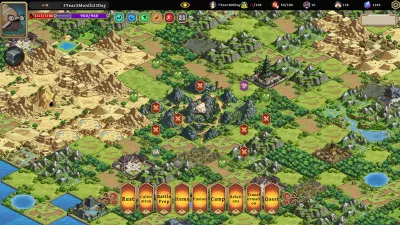
Beginner Guide: Plan Your First Life
Start your first demo life with a clear route through enemy checks, gathering, card choices and reincarnation, without relying on an invented best build.
Last updated: 11/7/2026
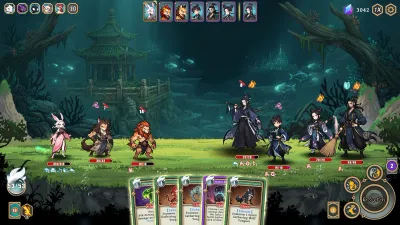
Free Demo, Download and Early Access Status
Find the official free demo, check what it includes, and separate the current Steam build from the planned 2027 Early Access release.
Last updated: 11/7/2026
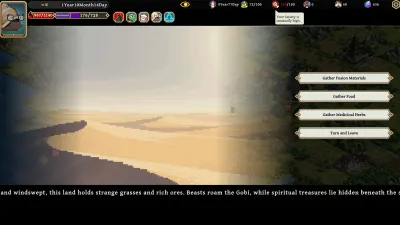
Languages, Visual Settings and PC Requirements
Check the Windows requirements and four listed languages, find the supported animation and flashing controls, and collect useful performance evidence.
Last updated: 11/7/2026
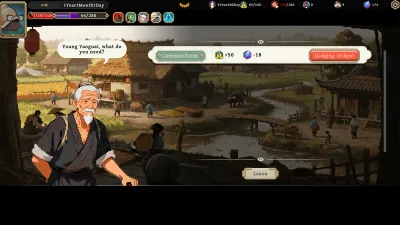
Stuck Monk Events and Wheel Spins: A Patch-First Recovery Check
Match the Monk-event and second-spin fixes to your Demo build, retain the limits of the older anti-stuck workaround and prepare a useful save-preserving report.
Last updated: 11/7/2026